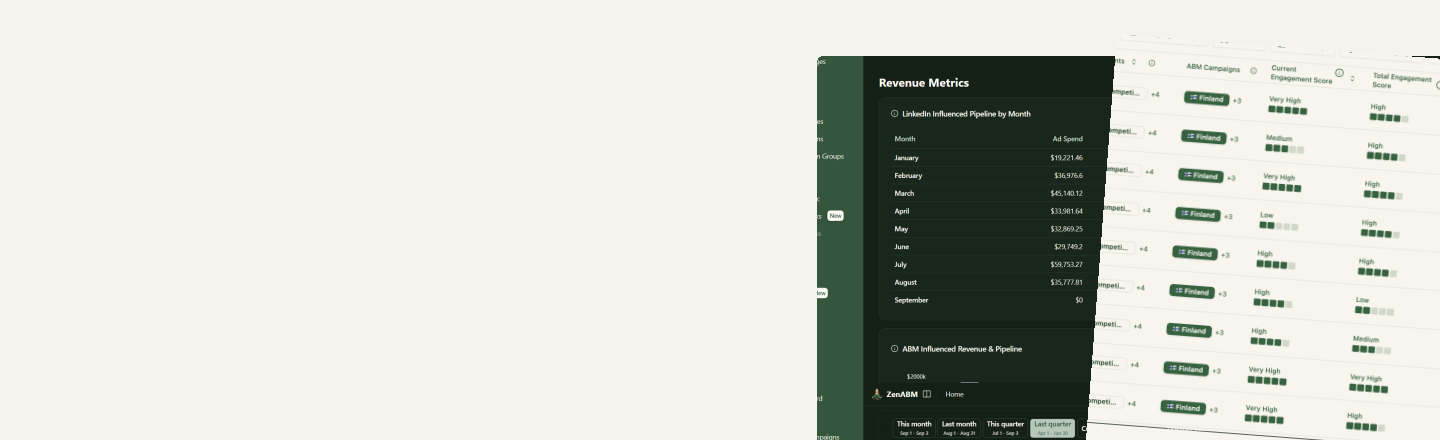
Turn account signals into actions, automatically
ZenABM already knows which accounts are heating up, which are stalling and which are wasting spend. Workflows connect those signals to the tools where your team acts: your CRM, your outreach stack, and your live campaigns.
The signals
What ZenABM watches for you
Each of these is tracked continuously and can start a play the moment it changes.
ABM stage changes
Accounts moving through your funnel on your own scoring rules, resynced every day. See ABM stages.
Intent signals
The themes an account engaged with, detected from which ads and ad sets they responded to. See intents.
Engagement scores
How warm an account is right now and across its lifetime, built from impressions, clicks and engagements at company level.
Deals and spend
New and progressing deals from your CRM, and the spend each account is absorbing on the way there.
The actions
Signals land where your team already works
Nothing here asks anyone to log into another tool. The signal goes to the system that already owns the next step.
- Your CRM. CRM sync writes engagement, scores, stages and intents onto HubSpot, Salesforce and Attio company properties, so they are filterable in the views your reps already use.
- Your outreach stack. Webhooks fire on the weekly sync into Clay, Outreach, Salesloft, n8n or Slack, with a filter builder to scope the accounts and a payload builder to choose the fields.
- Your live campaigns. Budget Savers and exclusions are re-enforced every hour, so a setting you fixed once stays fixed.
- Zena. The agent can pause decaying ads, adjust bids and budgets, and build retargeting audiences from company engagement, on your confirmation.
Plays
Five workflows teams run on day one
Each one is built from the signals and destinations above, so you can set it up without writing code.
Sales handoff on stage change
When an account reaches a buying stage, push the score and stage to your CRM and post the account to Slack so an SDR picks it up the same week.
Intent-led outreach
Send accounts showing a specific intent into Clay or Outreach so the first message leads with the theme they already responded to.
Budget protection loop
Keep Audience Expansion and the Audience Network off across current and future campaigns, and exclude the accounts absorbing spend without engaging.
Weekly stakeholder reporting
Let the weekly report land in the inbox with conclusions and action items, so nobody rebuilds the same slide every Monday.
Retarget the engaged
Build an audience from the companies already engaging, from LinkedIn and CRM data, and point your next campaign at them.
Keep the CRM honest
Sync engagement and stages onto company records daily so pipeline reviews run on the same numbers as your ads.
How it works
How a workflow comes together
The pieces already exist. Setting up a play is choosing which signal, which accounts and where it goes.
- 1
Define the signal
Set your ABM stages and intents so they describe your funnel rather than a generic one. Stages resync daily, intents on the weekly sync.
- 2
Scope the accounts
Use the filter builder to narrow to the accounts that matter: a stage, an intent, an engagement score, a target list, or a combination.
- 3
Pick the destination
CRM properties for the systems of record, a webhook for orchestration and outreach tools, exclusions and Budget Savers for the campaigns themselves.
- 4
Let it run
CRM sync and stages update daily, webhooks fire on the weekly sync, and campaign settings are re-enforced hourly, so the play keeps working without anyone tending it.