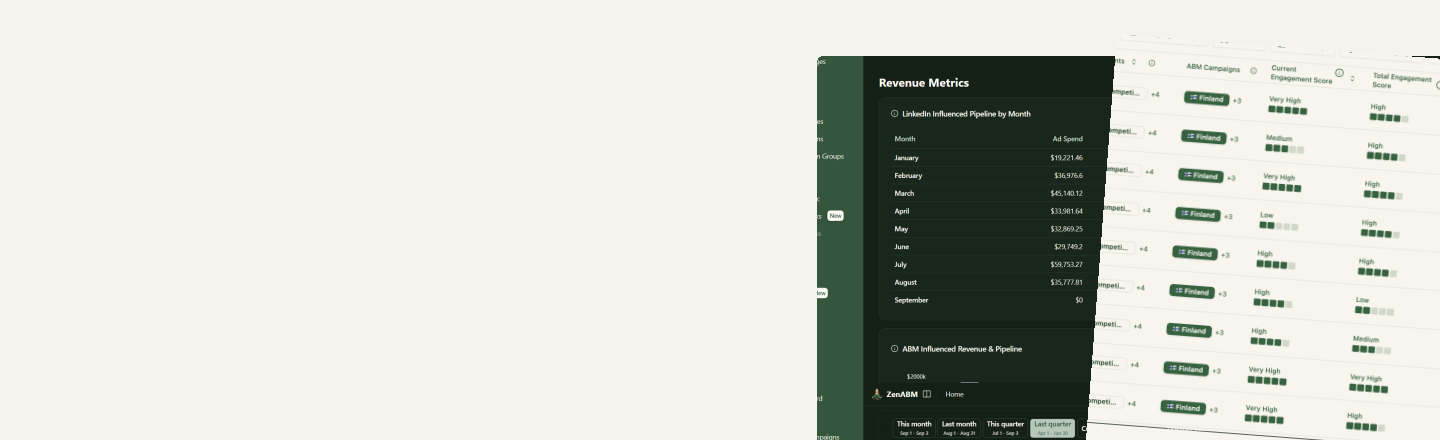
Build and manage LinkedIn campaigns with AI
Describe the campaign you want and Zena builds it: campaign, ad sets, targeting and ads. Do it in the ZenABM chat, or from Claude, ChatGPT and Cursor through the MCP server. Nothing goes live until you confirm it.
What you can build
From an empty account to a live campaign, in conversation
Campaigns, ad sets and ads
Create the whole structure in one pass, or add an ad set to something already running. Ad bundles let you launch a set of creatives together.
Targeting you can check first
Search targeting entities by name, then read the audience count before you commit, so you find out an audience is too small before it is live, not after.
Duplicate what already works
Copy a campaign, ad set or ad and change only what needs to change. The winning structure carries over instead of being rebuilt by hand.
Your existing assets
Reuse saved audiences, lead forms, sponsored posts and the media library. Upload new ad media when you need it, and preview an ad before it runs.
Manage at scale
Bulk changes without the tab sprawl
The tedious parts of Campaign Manager are the ones that scale worst. Ask for them instead.
- Budgets and bids in bulk. Update budgets across many ad sets at once, checked against LinkedIn's suggested bid.
- Statuses in bulk. Pause, resume or archive ads, ad sets and campaigns in a single instruction.
- Pause what is decaying. Zena finds ads whose CTR has been sliding and offers to stop them, so budget moves to creative that still works.
- Retargeting from real engagement. Build audiences from the companies engaging with your ads and your CRM data, described in plain language.
How it works
Strategy to live campaign
The planning skills and the campaign builder are two halves of the same flow.
- 1
Plan the program
Run
/abm-strategy-planningto turn a pipeline goal into funnel math, a budget, an audience size and a campaign structure, grounded in your account data. - 2
Turn it into assets
/abm-campaign-executionproduces the campaign outline, per-ad copy and design briefs, and thought leader ad copy, informed by what already performs for you. - 3
Build it
Ask Zena to create the campaigns, ad sets and ads from that plan. Check audience counts as you go and preview the ads before anything runs.
- 4
Keep it healthy
Apply Budget Savers and exclusions so the new campaigns launch with the right delivery settings from day one.
Safeguards
AI proposes. You approve.
Of the 105 tools on the ZenABM MCP server, 30 can change something in your ad account. Every one of them is flagged as a write, so your AI client asks before it acts.
- Changes are described before they are applied: which campaign, which ad set, what the value was and what it becomes.
- Read-only analysis stays read-only. Audits, reports and account sorts can never move spend on their own.
- Everything the agent does is visible in ZenABM afterwards, next to the performance data for the campaigns it touched.