Stop a handful of accounts from soaking up the budget meant for your whole list
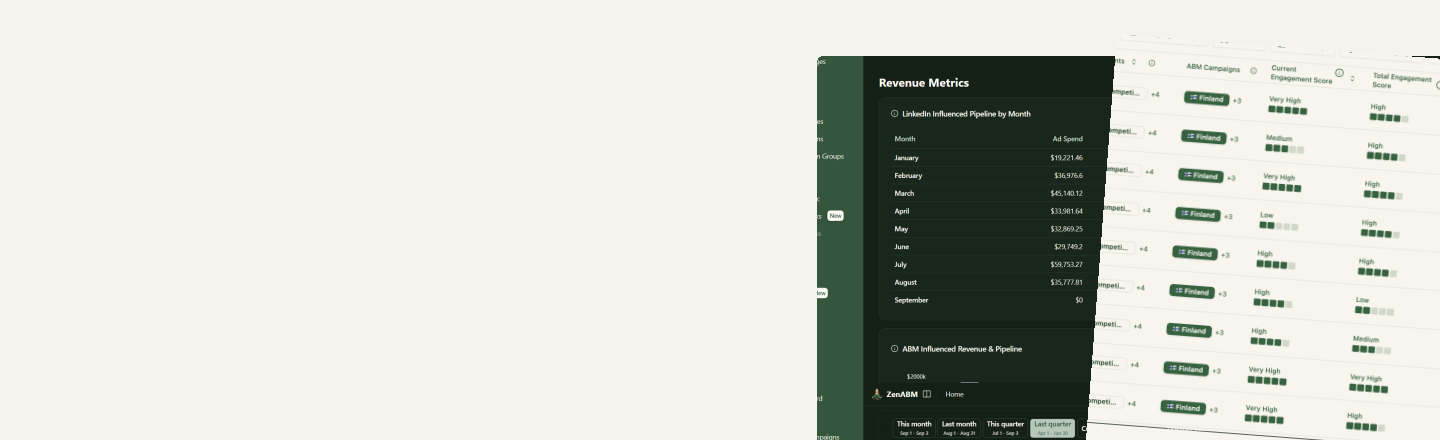
Left alone, LinkedIn keeps serving the accounts that win the most auctions, and a few large ones can absorb a big share of an ad set's budget without ever clicking. ZenABM shows impressions, clicks and cost per company for every campaign and ad set, so you can see which accounts absorb the most without engaging, decide how much any one of them should get, and exclude them from the ad sets where they over-index.
Why it matters
Impressions are never spread evenly across a target list
Big accounts win more auctions
A large account has more matching members, so it shows up in more auctions. Left alone, a few big names can take a disproportionate share of an ad set's impressions and spend.
Impressions without engagement
An account that keeps seeing your ads and never clicks is not warming up, it is just expensive. ZenABM's account engagement skill calls these budget hogs and lists them as exclusion candidates.
Per-company visibility
Impressions, clicks and cost per company, per campaign and per ad set, with filters and sorting to isolate the accounts above your ceiling.
Spend flows back to responders
Exclude a budget hog from the ad sets where it over-indexes and the budget it was absorbing is spent across the rest of the audience, including the accounts that engage.
Find them
See which accounts are soaking up impressions without engaging
Companies shows impressions, engagements, clicks and cost per account, at the ad, ad set and campaign level. Set an impressions minimum and a clicks maximum of zero in the filters, sort by impressions, and the budget hogs are at the top of the list. Filters live in the URL, so the segment you built is one link away for the rest of the team.
- Impressions, engagements, clicks and cost per account, per campaign and per ad set
- Engagement score built from clicks and engagements over impressions: lots of impressions and a score at the bottom of the scale is a budget hog by definition
- Or run the /account-engagement skill from Zena or an MCP client: every account sorted into warm, cold, budget hog and bad fit, ending with an exclusion candidate list
Cap them
Set the ceiling, then exclude the accounts over it
Campaign Manager has no per-account spend limit, so in practice the cap is a decision plus an exclusion. Decide how much of an ad set's budget any single account should be allowed to absorb, find the accounts above that line, and exclude them from the campaigns or ad sets where they over-index, or team-wide if they will never buy. ZenABM syncs the exclusion to LinkedIn and keeps it applied.
- Exclude from a single ad set, a LinkedIn campaign, an ABM campaign or team-wide
- Synced to LinkedIn and re-applied daily to every active ad set in scope
- Up to 200 exclusions per ad set, LinkedIn's limit, so spend them on the biggest absorbers first
- Exclude straight from the Companies list, from a company's own page, by asking Zena or through the MCP server
How it works
How to cap impressions per account
A repeatable routine rather than a one-off cleanup.
- 1
Pick the ceiling
Decide how much of an ad set's budget any one account should be able to absorb before you step in. A rule tied to your list size beats a gut call.
- 2
Find the accounts over it
Open Companies for the campaign or ad set, filter to high impressions and zero clicks, and check the engagement score. Or run the account-engagement skill and read the budget hog bucket.
- 3
Exclude where they over-index
Push those accounts to Exclusions scoped to the ad sets where they absorb the most. Keep the ones that engage: a high-impression account with clicks is working, not wasting.
- 4
Re-check as budgets change
Frequency rises when you scale. The scaling-planner skill measures audience penetration and frequency per ad set, so you know when more budget only buys more repetition.