

©2026 ZenABM - All Rights Reserved.

Clay has become the default orchestration layer for ABM teams who want to do more with less manual work, and if you are still building your target account list by exporting CSVs from LinkedIn Sales Navigator and enriching them one field at a time, Clay changes that entirely.
The right Clay setup can take an account from “unknown company in our TAM” to “enriched, ICP-scored, contact-found, and routed to the right outbound sequence” in a matter of minutes, automatically and at scale.
This post covers Patrick Spychalski’s (co-founder at the Kiln) session at the ZenABM ABM Bootcamp 2026, where he walked through how to use Clay for ABM, from building your first enrichment workflow to connecting it with your LinkedIn ad engagement data.
You can watch the full session recording on YouTube here.
In case you want a quick rundown of the guide:

The problem ABM teams face is not a lack of data but an excess of disconnected data.
You have LinkedIn engagement data in Campaign Manager, account information in your CRM, contact data scattered across Apollo, ZoomInfo, and Sales Navigator, website visit data in your analytics tool, and intent signals from third-party providers, yet none of it talks to the rest in real time.
Clay is the orchestration layer that connects these sources.
It pulls data from 50 or more providers through a single interface, runs AI analysis against the combined data, and outputs enriched, scored, ready-to-act account records to send them to wherever they need to go, whether that is your CRM, your outbound tools, or your LinkedIn audience uploads.
For ABM specifically, Clay solves three problems that are otherwise genuinely hard:
You need to know if 10,000 companies match your ICP, and manual enrichment takes weeks.
Clay does it in hours because it pulls from dozens of providers simultaneously and runs AI classification against the combined data in a single pass.
No data provider sells “currently evaluating graph database solutions” as a field you can filter by.
But you can derive that signal by analyzing a company’s job postings, tech stack, LinkedIn content, and website, which is exactly what Clay does automatically through its AI column.
This kind of derived signal is where the real competitive advantage lives, because your competitors cannot buy it off the shelf either.
ZenABM tracks company-level LinkedIn ad engagement, detects when an account crosses a meaningful engagement threshold.


Then it can push that account into Clay through webhooks (so the workflow starts from real first-party account behavior rather than static list membership).

Clay will then help in finding the right contacts at that account immediately rather than after a weekly manual review.
It can also help in triggering enrichment and routing the moment an account crosses your threshold.
In fact, ZenABM, too, provides automated pushes like assigning a hot account to a BDR in your CRM with qualitative intent pushed as a company property.
This helps sales teams do outbound at the right accounts at the right time with the right message.

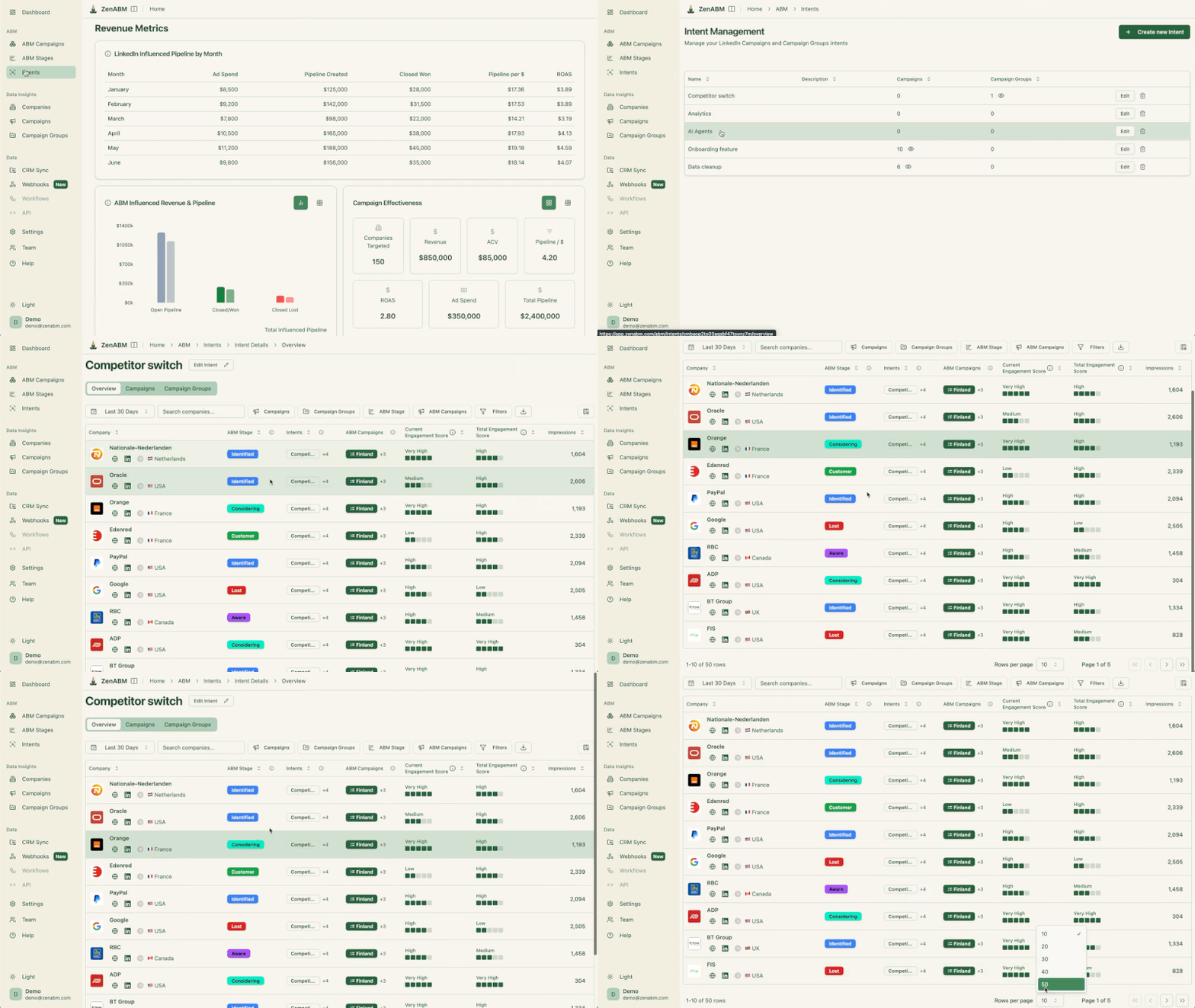
Patrick walked through the full end-to-end ABM workflow with Clay during the bootcamp.
Here is how it works:

Start with your existing customers, or if you have fewer than 30, a manually curated list of ideal target accounts. These are your ICP ground truth.
Enrich them in Clay with every available data field: industry, sub-industry, revenue, employee count, tech stack, growth stage, recent funding, hiring patterns, and LinkedIn follower count.
Based on the patterns in your truth list, write an AI prompt that describes what makes a good-fit account.
Patrick’s approach: “Based on the following company data, score this company’s fit with our ICP on a scale of 1 to 10. Our ICP is [description].
Flag any company below 6 as Tier 3. Explain your reasoning in one sentence.” Run this prompt in Clay’s AI column, and the output gives you a tiered classification for every account in your table.
Use Apollo or Sales Navigator to generate a large pool of potential target accounts, import them to Clay, and run the ICP scoring prompt against all of them.
Filter to Tier 1 and Tier 2, and your final list should have 90 to 95% ICP fit accuracy because the scoring prompt was trained on your actual customer base rather than a theoretical persona document.
For each Tier 1 and Tier 2 account, Clay finds the right contacts using a waterfall enrichment approach that pulls from multiple providers to maximize coverage.
Enrich each contact with a verified email, LinkedIn profile URL, job title, and location so your outbound tools have everything they need to launch sequences immediately.
Upload your ICP-scored company list to LinkedIn Campaign Manager as a matched audience, and push enriched accounts and contacts to HubSpot.
Your LinkedIn campaigns now target only high-fit accounts, and your CRM has the full enriched picture of each account, so sales has the context they need when those accounts start engaging.
The most powerful Clay ABM workflow is not the list-building workflow; it is the signal-response workflow, the one that fires automatically when an account engages with your LinkedIn ads.
Here is how Patrick set this up using ZenABM as the trigger:
An account hits your Interested stage threshold, typically 3 or more clicks in 30 days plus a visit to a high-intent page.
ZenABM knows which specific campaigns and ad types the account engaged with, which becomes the intent signal that drives personalization downstream.
More specifically, ZenABM gives you company-level LinkedIn ad engagement, campaign context, account stages, and CRM-linked visibility.
That means the trigger is not just “this company clicked an ad,” but “this high-fit account engaged with this specific message and has now reached a stage where follow-up makes sense.


ZenABM sends the account data to a Clay table: company name, domain, LinkedIn URL, campaign names they engaged with, click counts, and intent signals.
This happens automatically within minutes of the account crossing the threshold.
So, instead of exporting CSVs or manually checking engaged-account dashboards, you can push account-level engagement data directly into Clay the moment it matters.

For each account that arrives via webhook, Clay pulls their current HubSpot record (to check if they are already a deal), recent website visit data (to see if they visited pricing, demo, or other high-intent pages), current hiring signals (to understand what roles they are hiring for), and contact data for ICP-fit personas at the account.
Because ZenABM already sends campaign engagement and account context into the workflow, Clay is not enriching blindly.
It is enriching around a known signal, which makes the downstream routing more relevant.

Based on the enriched data (ACV potential, ICP fit, engagement level), Clay assigns the account to a tier and routes it to the right outbound tool.
Tier 1 gets full multi-channel outreach, Tier 2 gets email only, and Tier 3 goes into a nurture track.
SmartLead or HeyReach receives the contact data and launches a personalized outbound sequence where the personalization is based on the specific ad content the account engaged with rather than a generic ICP template.
This is what makes the outreach feel relevant rather than random.
This entire workflow runs without any human intervention once configured.
For more on the intent-based outbound setup that connects to this workflow, see intent-based outbound with ZenABM and Clay.
Some best practices you must consider while using Clay for ABM:
AI in Clay is most valuable when analyzing and classifying data that has already been enriched from reliable sources.
Asking AI to generate company data from scratch produces hallucinations, so the correct approach is to use the data providers for sourcing and AI for scoring, interpreting, and routing the enriched results.
Raw data fields like industry, size, and revenue are available from any data provider, so they offer no competitive advantage.
The real edge comes from derived data, characteristics that require interpretation rather than simple lookup.
For example, “Is this company actively building a graph data infrastructure?” is not a field Apollo sells, but you can derive it by asking Clay’s AI to analyze the company’s job postings, LinkedIn content, and tech stack data together.
No single contact data provider has 100% coverage, which is why Clay connects to LeadMagic, Prospeo, Apollo, and others in sequence so that if the first provider does not have a verified email, it tries the next.
This dramatically improves contact data coverage for your outbound sequences and reduces the number of contacts your tools cannot reach.
If website visitor data shows that the people visiting your pricing page from a target account are based in Istanbul, find contacts in Istanbul at that account rather than contacts at the company’s global HQ.
Clay can filter contact enrichment by location, and this level of geographic precision compounds the relevance of your outreach in a way that generic company-level targeting cannot match.
Clay is powerful on its own, but its real value in ABM shows up when it is connected to live account behavior instead of static list building alone.
That is what turns it from a useful enrichment tool into a real orchestration engine, one that can help marketing and sales act faster, personalize better, and waste less effort on the wrong accounts.
That is also why the ZenABM connection matters. By feeding Clay company-level LinkedIn engagement, account-stage triggers, campaign context, and CRM-linked signals, ZenABM makes the entire workflow much more actionable.
If you want Clay to operate from real buying signals instead of stale snapshots, ZenABM is a strong layer to put in place.
Try ZenABM for free (37-day free trial) or book a demo now to know more!
Some questions about ABM with Clay and their answers:
Clay is a data enrichment and workflow automation tool that connects to 50 or more data providers through a single interface.
For ABM, it is used to enrich target account lists, score accounts for ICP fit using AI, find contacts at target accounts, and route enriched accounts to LinkedIn audiences, CRM, and outbound tools, all automatically.
See Clay for target account list building for a detailed setup guide.
Build your enriched, ICP-scored company list in Clay, then export it as a CSV with the company name and LinkedIn company page URL included.
Upload to LinkedIn Campaign Manager under Audiences, then Matched Audiences, then Company List. LinkedIn uses the company page URL to match accounts accurately, so always include it to aim for 80 to 90% match rates.
Set up a webhook in ZenABM that fires when an account hits your Interested stage threshold, and configure the webhook to send account data (company name, domain, LinkedIn URL, campaign engagement data) to a Clay table.
Clay then automatically enriches the account and triggers your outbound workflow without any manual steps in between. The full setup is covered in the intent-based outbound guide.
Apollo or ZoomInfo for base company and contact data, Sales Navigator for the most accurate LinkedIn people data, LeadMagic or Prospeo for verified email enrichment, ZenABM for first-party LinkedIn ad engagement signals, and your CRM (HubSpot or Salesforce) as both a data source and the destination for all enriched outputs.
The combination of these sources through Clay’s waterfall approach gives you significantly better coverage than relying on any single provider.
