Clay Templates for
Signal-Based Outbound
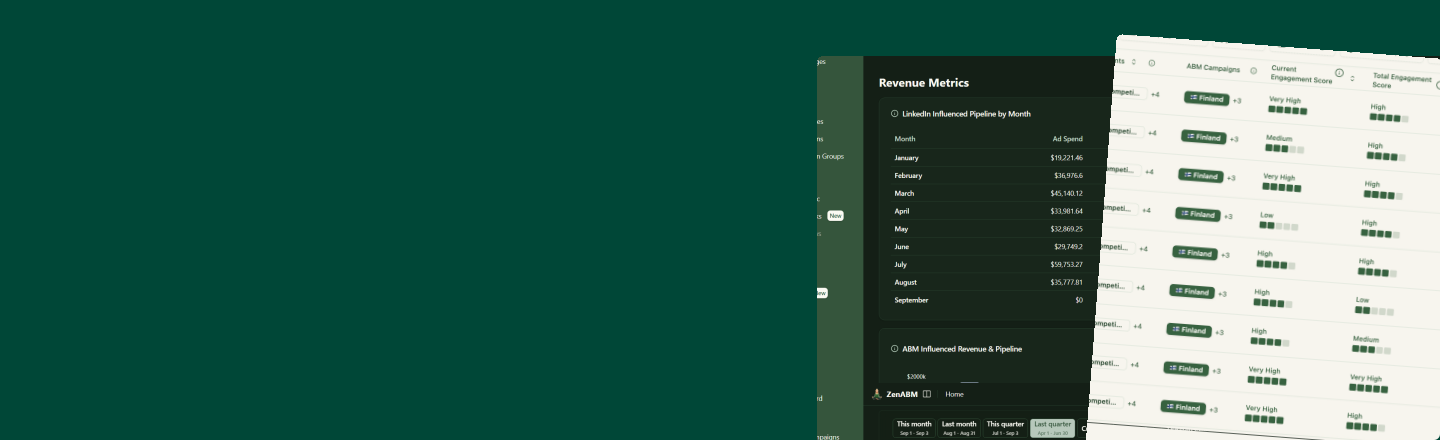
Use intent signals and account scoring from ZenABM to automatically prospect ICPs in companies engaging with your LinkedIn ads in Clay, and reach out to them with sequences personalized to their intent.
Need the intent signals first? Get ZenABM free for 37 days:
Two free Clay templates, ready to copy
Connect ZenABM to Clay and let automation handle your signal-based outbound end to end.
Auto-prospect Interested Stage Companies
Pushes companies that reached the "Interested" stage in ZenABM into Clay. Clay automatically identifies the right contacts (filtered by job title, seniority, and location), enriches their emails, and pushes them into tools like Smartlead for email sequences and HeyReach for LinkedIn outreach.
- ✓Triggered automatically when a company hits the "Interested" stage in ZenABM
- ✓Finds the right ICPs via Clay waterfall enrichment
- ✓Pushes verified contacts to tools like Smartlead & HeyReach
- ✓No manual prospecting needed
Different Sequences for Different Intent Signals
Takes companies with intent signals from ZenABM and routes them into different outbound sequences based on what type of intent they showed: pricing page visits, LinkedIn ad engagement, competitor research, or product reviews. Each signal gets a tailored message.
- ✓Segments companies by intent type (pricing, ads, competitor, review)
- ✓Different email/LinkedIn sequences per intent signal
- ✓Automatically personalizes outreach based on the signal
- ✓Higher reply rates from hyper-relevant messaging
How to use these Clay templates for signal-based outbound?
Signal-based outbound means: no signal → no outreach. Strong signal → strong, personalised offer. Here's the full workflow.
Step 1
Capture intent signals with ZenABM
ZenABM de-anonymises your LinkedIn ad engagement at the company level, so you know exactly which companies are clicking your ads, visiting your pricing page, or engaging with specific campaigns.
- ✓LinkedIn ad clicks & form fills: company-level, not just impressions
- ✓Website visits to high-intent pages (pricing, demo, competitors)
- ✓In-app product signals for trial accounts
- ✓ABM stage scoring: Awareness → Interested → Consideration
Step 2
Score companies into intent stages
ZenABM automatically scores each account based on the depth and recency of their engagement, moving them through ABM stages: Awareness, Interested, and Consideration.
The "Interested" stage is your trigger for Template 1: companies here have shown enough intent to warrant automated prospecting into the right ICPs.
Step 3
Push intent signals into Clay via webhook
ZenABM triggers a webhook the moment a company hits the "Interested" stage or matches an intent signal. Clay receives the company data and kicks off the enrichment workflow automatically. No manual exports, no CSV uploads.
Use Template 1 →Step 4: Template 1
Clay auto-prospects into the ICPs
Once a company lands in Clay, the template finds the right contacts using waterfall enrichment, filtering by job title, seniority, and location. It verifies emails and pushes contacts directly to tools like Smartlead (email) and HeyReach (LinkedIn).
- ✓Find ICP contacts via Clay waterfall (Apollo, Hunter, etc.)
- ✓Verify emails before sending
- ✓Push to tools like Smartlead for email sequences
- ✓Push to tools like HeyReach for LinkedIn outreach
Step 5: Template 2
Different sequences for different intent signals
Not all intent signals are equal. A company researching your pricing page needs a different message than one clicking a top-of-funnel awareness ad. Template 2 routes companies into the right sequence automatically based on what signal they showed.