

©2026 ZenABM - All Rights Reserved.

LinkedIn audience attributes are the demographic and professional filters you can layer on top of your targeting to refine who sees your ads.
For demand generation, these attributes are the primary targeting method.
You pick an industry, a job function, a seniority level, and you build an audience.
But for account-based marketing (ABM), the role is different.
In ABM, your primary targeting is your target account list, and audience attributes are the secondary layer that ensures the right people within those accounts see your ads.
Getting this layer wrong is one of the most common reasons ABM campaigns underperform.
In this post, I will walk through every audience attribute LinkedIn offers, explain which ones matter for ABM, and show you how to combine them without over-segmenting your campaigns.
Here’s a quick overview of the guide:

Audience attributes in LinkedIn Campaign Manager are the professional and demographic filters you can apply to define or refine your ad audience.
They fall into five main categories:
Company attributes describe the company a person works for, including its industry, size, name, revenue, growth rate, follower base, and connection network.
For example, someone might work at a 500-person SaaS company growing quickly in the enterprise software space.
Demographics include basic personal characteristics such as age and gender, where available.
For example, LinkedIn may place members into age brackets such as 25-34 or 35-54.
Education as an audience attributes category includes a member’s academic history, such as their degree, field of study, or school.
For instance, a profile may show an MBA from INSEAD or an engineering degree in computer science.
Professional experience attributes explain a person’s role and career background, including function, seniority, title, skills, and years of experience.
For example, someone might be a senior demand generation manager with 8+ years of experience and skills in HubSpot and paid media.
Interest and traits reflect the topics, communities, and broader behavioral signals associated with a member.
Examples include interests in ABM or cybersecurity, membership in industry groups, or profile traits linked to how they engage on LinkedIn.
When you use these audience attributes, LinkedIn applies them as filters.
For instance, if you select a saved or matched audience (your company list) AND add job function “Marketing” AND seniority “Director,” LinkedIn shows ads only to people who match all three criteria: they work at a company on your list, their job function is Marketing, and their seniority is Director level.
Understanding this AND logic is critical.
Every attribute you add narrows your audience further.
This is powerful for precision but dangerous for reach.
For ABM, your target account list is the primary company-level filter.
But company attributes still play an important role, because they serve as guardrails and quality checks.

LinkedIn uses its own industry taxonomy, which is sometimes different from how you classify industries internally.
After uploading your target account list, check the demographics breakdown to see which industries LinkedIn assigns to the companies on your list.
If you see industries that do not belong, it may indicate data quality issues in your list.
You can also use the industry as an exclusion to remove companies that were incorrectly matched.

Even with a curated TAL, adding company size as a filter catches data quality issues.
If your ICP is 200-2,000 employees, but some companies on your list have grown to 10,000+, the company size filter ensures you are not over-investing in accounts that have outgrown your product’s fit.
Maximillian Herczeg (LinkedIn ads expert and founder at Kamrat, a marketing agency) highlights a practical issue with the company size attribute:
Bigger companies might take up lots of your budget, like get more impressions than the rest.
If you see one or two large companies consuming a disproportionate share of impressions, consider splitting your campaigns by company size tier and allocating budget accordingly.
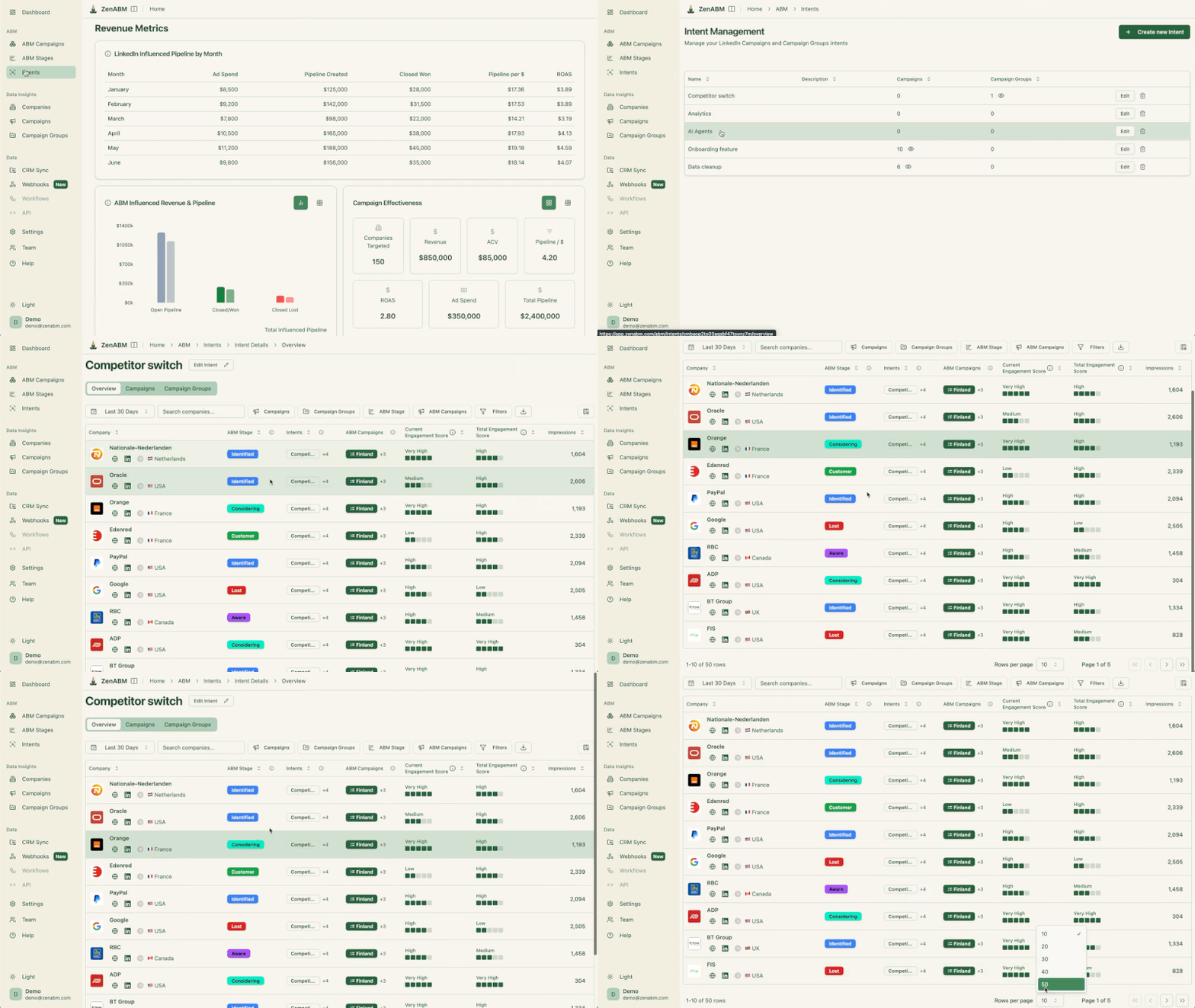
This is also where ZenABM can be particularly useful for LinkedIn-first ABM teams, because its impression capping via company exclusions helps prevent oversized accounts from endlessly soaking up spend, and its account-level dashboards make that budget imbalance visible much faster than native campaign reporting alone.


Revenue data is available for many companies on LinkedIn, though not all.
If your ICP includes a revenue threshold (e.g., $10M-$100M ARR), the company revenue attribute can add another quality layer.
However, LinkedIn’s revenue data is estimated and not always accurate, so use it as a directional filter, not an absolute one.

Company growth rate is a newer attribute that indicates whether a company is growing, stable, or shrinking based on employee count changes.
For ABM, growing companies may have more budget and more urgency to solve problems.
You can use this to prioritize a sub-segment of your TAL, but I would not recommend using it as a primary filter.
Pro Tip: Maximillian suggests that having defined company lists is the best option, because even filters as obvious as company industry can sometimes be accurate, because companies self-select it, and also because large ones can span multiple industries. He adds that relying on company filters alone makes sense when the broadcasting is broad, and in such cases, the best combo for prospecting is company size plus industry.

Pro Tip: Once campaigns are live, a platform like ZenABM can help you validate whether your company filters are working, because its company-level LinkedIn ad engagement dashboards show which accounts are actually getting impressions, clicking, and progressing instead of just sitting inside a matched audience. It even provides job-title analytics in its own interface.


Best part?
Everything is pulled from LinkedIn’s official API.

Professional experience attributes matter most for ABM after your company list is set.
They determine who within your target accounts sees your ads.
Job function is my preferred attribute for role-based targeting, especially because LinkedIn standardizes job functions into categories like Marketing, Sales, Engineering, Finance, Operations, etc., which makes it more reliable than job title targeting, where the same role can have dozens of different titles across companies.
For ABM, I typically include 2-3 job functions that correspond to the buying committee for our product.
I also avoid adding more than 3-4 functions because it starts to dilute the audience with roles that have peripheral involvement in the buying decision.
Next comes seniority.
Seniority filters by level:
And how does LinkedIn infer seniority levels?
Well, as of now, it infers that from job titles, and it is reasonably accurate for standard titles, but it can miscategorize unusual ones.
For ABM, I typically target Manager, Director, and VP levels, because these are the people who influence and make purchasing decisions.
I exclude Entry and Senior levels for most campaigns because they rarely have budget authority.
CXO, on the other hand, can be hit or miss because in smaller companies, the CEO is often involved in purchasing decisions, but in enterprise companies, CXOs are rarely the ones evaluating specific tools.
Job title targeting is the most intuitive but least reliable attribute.
Tim Davidson explains the problem clearly in his LinkedIn post: “Targeting one title like Vice President of Marketing shows up for 100+ other titles, thus diluting your strategy.”

The thing is, LinkedIn matches titles broadly, including variations and related titles that may not be what you intended.
So, I use job title targeting only in specific cases, like when I need to reach a very specific role (like “Head of ABM” or “Revenue Operations Manager”) that does not map cleanly to LinkedIn’s job function categories.
Even then, I always check the forecasted audience demographics to see what titles LinkedIn is actually including.
After launch, ZenABM’s job title analytics can make this much easier to validate in practice, because you can see which titles and job-level cohorts are actually engaging from your target accounts, not just which ones you hoped LinkedIn would reach when you built the audience.
Skills are self-reported by LinkedIn members and are therefore inconsistent.
Someone with “Account-Based Marketing” as a skill might be a practitioner or might have added it because they attended one webinar on the topic.
So, I do not recommend skills as a primary targeting attribute for ABM.
However, they can be useful for narrowing a broad audience.
For example, targeting Marketing Directors with the skill “Demand Generation” when you only want demand gen leaders, not brand or content marketing directors.
The “Years of Experience” attribute filters by total career length, not tenure at the current company.
It can serve as a proxy for seniority when title-based seniority is inaccurate.
Someone with 15+ years of experience is more likely to be in a senior role than someone with 3 years.
I use it occasionally as a supplement to seniority targeting, not as a replacement.

LinkedIn infers interests and traits from member behavior, like the content they engage with, groups they join, topics they follow, etc.
Interests and trait attributes include:
For ABM, I rarely use these attributes, because this signal is too noisy.
Someone who engaged with three posts about “artificial intelligence” gets tagged as interested in AI, but that does not mean they have an AI budget or are evaluating AI tools.
The professional experience attributes are much more reliable indicators of whether someone is in a position to buy your product.
The one exception is member groups.
If there is a highly specific LinkedIn group relevant to your product category (like an ABM practitioners group), targeting members of that group, in addition to your company list filter, can help you reach people who are actively thinking about the problem you solve.
But remember to verify the group is active and has quality members before relying on it.
Better Alternative Method: LinkedIn’s interest attributes tell you what the platform thinks a member may care about. ZenABM tells you what target accounts actually responded to by showing which companies engaged with which ad themes, so you can infer real buying interest from your own campaigns and tailor follow-up accordingly.

The biggest risk with audience attributes is adding too many and killing your reach.
Maximillian Herczeg’s advice is worth repeating here:
Don’t over-segment. Find a segmentation that works for you.
Let me share my recommended approach for combining attributes in ABM campaigns now:
First comes the minimum viable targeting stack you need for your ABM campaign:
Yes, that’s it. Four layers.
For most ABM campaigns, this combination is enough to reach the right people at the right companies without shrinking your audience below a functional size.
Everything else is optional refinement.
What makes this easier operationally is when your ad data is tied back to account records.
ZenABM’s CRM sync, ABM stages, and account scoring help you see whether a supposedly well-built audience is actually producing engaged, sales-relevant accounts instead of just tidy targeting logic on paper.


Next, you can add more attributes, but only when you have a specific problem to solve:
Remember: Never add an attribute “just in case.” Every attribute you add removes potential members from your audience. If your audience drops below 1,000, campaigns struggle to deliver consistent impressions. If it drops below 300, the campaign cannot run at all.
For a detailed walkthrough of how audience attributes fit into the full campaign structure, see our guide on structuring LinkedIn ABM campaigns.
One of the most effective uses of audience attributes is creating separate campaigns for different segments of your buying committee, each with suited messaging.
For example, at Userpilot, I might run:
Each campaign reaches a different part of the buying committee with relevant messaging.
The audience attributes are what enable this segmentation without creating separate account lists.
But be careful not to create too many segments.
If you split into 6 campaigns and each one has an audience of 400, none of them will have enough scale to optimize well.
Bilal (Revops maverick at Userpilot) takes a practical stance here:
Stop trying to be perfect. Pull broad, have more accounts being pulled in, and then narrow down.
Start with fewer segments and only split further when you have data showing that different personas respond to different messaging.
LinkedIn targeting doesn’t have to be static.
You must check your attribute choices against LinkedIn demographics.
After your campaigns have been running for a few days, go to Campaign Manager > Demographics to see who is actually seeing and engaging with your ads.
The report you’ll get will break down your audience by job title, company, industry, seniority, job function, and more.
Now, compare what you see in the demographics report against what you expected based on your attribute selections.
Common discoveries include:
Next, use this data to refine your attributes.
Maximillian recommends making the Audience Hub a regular review:
The audience hub – if you don’t know it, please get to know it. It gives you a consolidated view of all your audiences, their overlap, and their composition, making it much easier to spot issues with your attribute choices.

Audience attributes matter in ABM, but they are not the strategy. Your strategy is the target account list. Attributes simply determine whether the right people inside those accounts actually see your ads.
The winning approach is usually a restrained one: matched audience, location, a small set of job functions, and the right seniority band. From there, you refine only when the data gives you a reason to.
And once you move beyond basic setup, ZenABM becomes useful in very specific ways: company-level LinkedIn ad engagement to see which accounts are truly being penetrated, CRM sync to tie ad activity to account and opportunity data, account scoring and ABM stages to separate signal from noise, job title analytics to validate whether your attribute choices are reaching the right people, and impression capping via company exclusions to stop a few oversized accounts from hijacking spend.
That combination is what turns audience attributes from a targeting checkbox into a real ABM control system.
Try ZenABM for free (37-day free trial) or book a demo now to know more!
Within the same attribute category (e.g., selecting both “Marketing” and “Sales” as job functions), LinkedIn uses OR logic – members can match either. Across different categories (e.g., job function AND seniority), LinkedIn uses AND logic – members must match all selected categories. This is why adding more categories shrinks your audience.
Company name, job function, and seniority are the most reliable because LinkedIn standardizes them or infers them from structured data. Member skills and interests are least reliable because they are self-reported or inferred from behavior.
Yes, and you should. Awareness campaigns can use broader attributes (more job functions, more seniority levels). Conversion campaigns should use tighter attributes to focus spend on decision-makers. The attributes do not change – your selections change based on the campaign’s purpose.
Watch two signals: audience size and delivery pace. If your audience is below 1,000 and y
